
Rahul Guleria
SEO Executive
Creative,
Branding
& Growth
in the Global
Digital Ecosystem

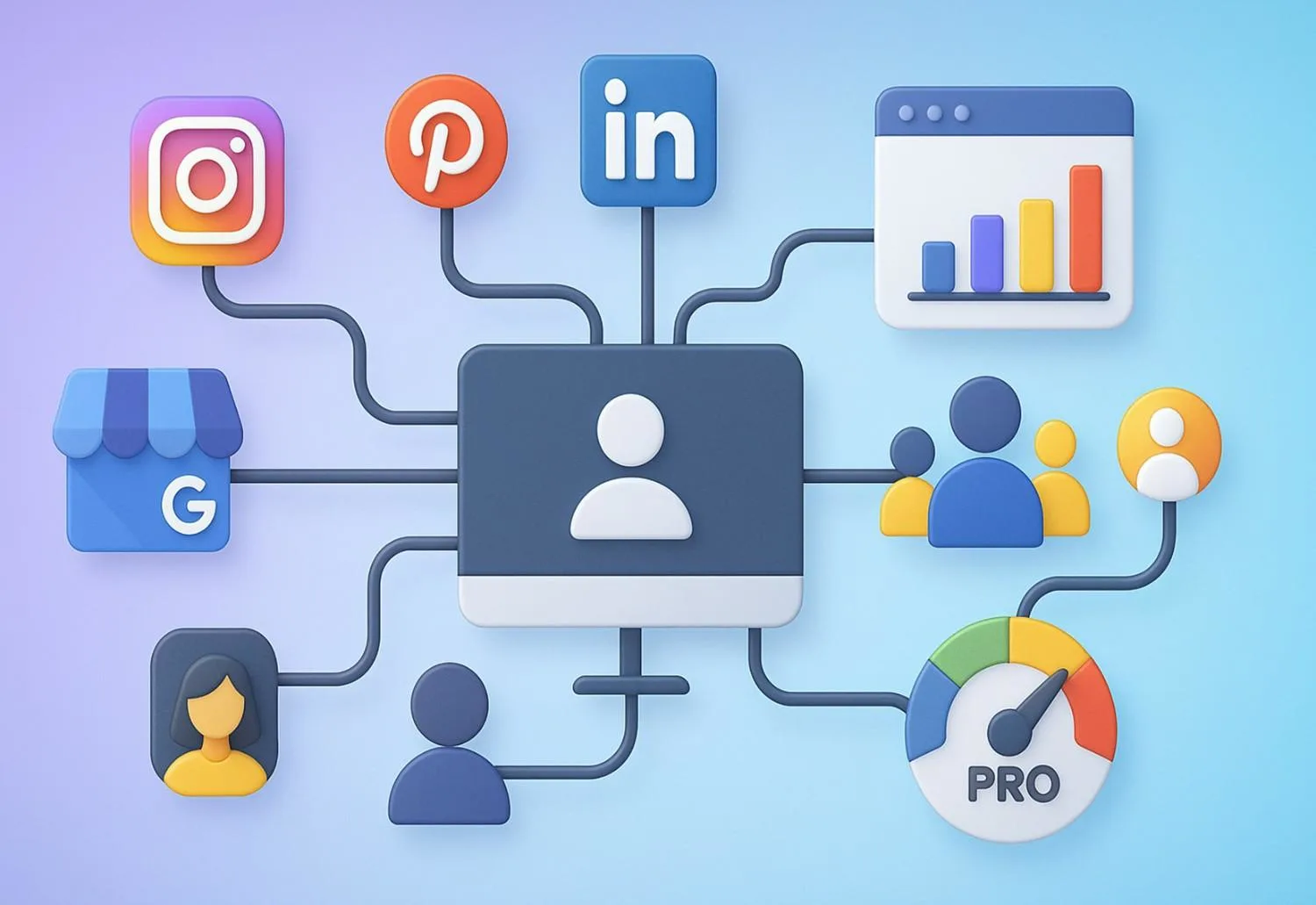
Social media management tools help you plan, create, schedule, and analyze content across multiple platforms from one dashboard. Instead of logging into Instagram, LinkedIn, X, YouTube, and Facebook one by one, you set your posts, queue them up, monitor replies, and pull reports from a single place. That saves time, reduces context-switching, and keeps your brand consistent no matter how many channels you run.
Why do startups and small businesses lean on these tools? Because they compress the heavy lifting. You get scheduling for off-hours publishing, analytics to see what actually works, collaboration so teammates don’t step on each other’s toes, and engagement workflows to reply faster. Early-stage teams, especially, need leverage. Tools give you leverage.
And in 2025, the appetite for free plans is higher than ever. Budgets are tight, social platforms keep changing, and founders want to validate traction before committing to paid tiers. The good news: several platforms still offer capable free versions. The catch: free plans come with limits—number of profiles, queued posts, historical data, or analytics depth. We’ll spell out those trade-offs clearly so you can choose wisely.
If you’re brand new to the topic, start here: What is social media marketing? Then, if you want a partner to turn tools into results, see our social media marketing service. That’s the PulsePlay Digital angle: systems over guesswork, momentum over scatter.

Batch your content, set your calendar, and let the tool publish while you sleep. That alone can claw back hours each week.
Consolidation beats chaos. One login, one calendar, one queue. Less tab-hopping, fewer errors.
See which formats, topics, and times perform best. Use that signal to refine your content strategy and ad creative.
Consistency trains both algorithms and audiences. Tools keep you on rhythm and help you respond faster.
Free tiers + smart workflows can take you surprisingly far. When you outgrow the limits, you’ll upgrade with confidence.
Below are the strongest free options right now, with the real-world constraints you should know before building a process around them. We’ve added honest notes about what’s actually free vs. “free trial only,” since several big names removed their free tiers.
Why it’s great: Clean UI, easy learning curve, and solid support for major platforms. Buffer’s free plan lets one user connect up to three channels and queue posts—perfect for a lean solo setup. (Buffer)
Handy extras on free: Start Page (mini landing page), Google Business Profile posting support (posting works; engagement/analytics are limited), and best-time-to-post guidance via resources. (Buffer)
Limits to note: Ten queued posts per channel is typical guidance in resources; advanced analytics and engagement features sit behind paid plans. Always check your account’s current cap and feature set. (Buffer)
Why it’s great: The Free plan supports 1 brand (6 channels) and 1 user, giving you a tidy playground to learn scheduling and basic monitoring across X, Instagram, Facebook, LinkedIn (page + profile), and Google Business Profile. Zoho states no monthly posting cap on the free tier. (Zoho)
Limits to note: Collaboration, deeper listening, and advanced analytics require upgrades—but as a zero-cost start, it’s generous.
Why it’s great: A free plan aimed at smaller setups with scheduling + analytics baked in. Recent updates highlight free capabilities like managing one brand with a post cap and basic competitor tracking, plus tight integrations that streamline workflow. (Metricool)
Limits to note: Network coverage and quotas are reduced on free (e.g., caps on scheduled posts and competitors). Upgrade for full cross-network analytics depth. (Metricool)
Why it’s great: Publer’s free plan covers 3 social accounts (X on higher tiers), 10 scheduled posts per account, and robust GBP support (updates, offers, events, photos). If local visibility matters, this is a standout. (Publer)
Limits to note: X/Twitter posting is limited on free; scheduling caps can pinch content-heavy brands. (Publer)
Why it’s great: Planoly’s Personal/Free plan focuses on visual planning and basic scheduling for a single social set—great for creators or D2C brands who live on Instagram and Pinterest. (help.planoly.com)
Limits to note: Very tight upload caps on free; expand only if you truly need the extra throughput. (help.planoly.com)
Why it’s great: A long-running scheduler with a no-cost plan for one social profile—useful if you want to keep a single channel consistent without bells and whistles. (socialoomph.com)
Limits to note: One profile on free; most teams will outgrow it fast. Paid tiers add profiles, queues, and more.
Why it’s great: A forever-free plan with 2 queues and 5 scheduled posts per queue. It supports Facebook pages, LinkedIn (profiles + company pages), X, Tumblr, and Pinterest—handy for simple cross-posting. (Friends+Me)
Limits to note: The free tier is very limited. Think of it as a personal scheduler, not a full business stack. (Friends+Me)
Why it’s great: It’s 100% free and built by Meta. Schedule posts, Stories, and Reels for Facebook and Instagram from Planner on desktop or mobile. Native tools also mean better support for new post types as they roll out. (Facebook)
Limits to note: Only covers Meta platforms; UX can feel clunky; some users report short scheduling horizons on the native tool. (Blogging Wizard)
Why it’s great: Natively schedule YouTube videos (and community posts where available) without a third-party tool. It’s fast, reliable, and integrates with your channel analytics. (Descript)
Limits to note: YouTube only. For cross-posting and omnichannel planning, pair it with a general scheduler.
Why it’s great: Vista Social offers a limited free version (commonly three profiles) with publishing, basic reporting, and reviews—surprisingly capable if you’re testing waters before you scale. (Capterra)
Limits to note: Free is deliberately narrow; advanced collaboration, listening, and automations sit in paid plans. Pricing changes happen—check the latest before you commit. (Vista Social)
If your list from last year included these as “free,” update your stack.
Use this quick decision path:
Start on free. If you hit caps—profiles, queued posts, historical analytics—move up one tier rather than hopping tools. It’s cheaper than re-training your team every quarter.
A practical stack: Buffer Free (multi-network scheduling) + Meta Business Suite (native Meta features) + YouTube Studio (video scheduling). Add Publer if Google Business Profile is critical. (Buffer Help Center)
Consistency compounds. Work from a simple calendar, batch produce, and keep a “dead simple” asset library so you’re never stuck.
Pick 3–5 metrics (reach, saves, shares, CTR, site sessions) and log them in a sheet. You’ll spot winners faster and double down.
Once free caps block momentum—like collaboration bottlenecks or reporting needs—upgrade one tier. It usually pays for itself within a month of better execution.
PulsePlay tip: tie your content sprints to product sprints. When your team ships, your content ships—feature teases, customer stories, and tutorial clips. If you want a plug-and-play version of that, our social media marketing programs are built for it.
Heads-up: Hootsuite and Later are no longer “free forever;” they offer trials and paid plans. TweetDeck/X Pro is paid. Adjust expectations accordingly. (Hootsuite)
Free social media management tools in 2025 are good enough to launch and learn. They help you:
Start with one or two tools that match your channels and goals. Build a simple calendar. Track a handful of metrics weekly. When free limits start dragging down momentum, upgrade a tier or consolidate to a single paid platform.
If you want help stitching tools into a growth system, the PulsePlay Digital team is here. We build lean, repeatable, startup-friendly engines—so your social doesn’t depend on heroics. Explore social media marketing or brush up on fundamentals with What is social media marketing? and let’s turn your channels into compounding assets.
Top free picks: Buffer, Zoho Social, Metricool, Publer, Planoly, SocialOomph, Friends+Me, Meta Business Suite, YouTube Studio, and Vista Social (limited free). Each has different strengths—match the tool to your platform mix and workflow. (Buffer Help Center)
No. Hootsuite discontinued its free plan; current offers are paid (with trials). (Hootsuite)
If you want a visual planner, Planoly Free is tailored for Instagram. For broader cross-posting plus Instagram, Buffer Free is a strong all-rounder. (help.planoly.com)
Yes—with limits. For example, Buffer Free supports three channels; Publer Free supports three accounts; Zoho Social Free supports one brand with six channels. (Buffer)
Absolutely. Free plans are perfect for validating cadence, formats, and messaging. Upgrade once caps—like queue limits or analytics depth—slow you down.
Common caps include number of profiles, queued posts, historical data, team seats, and access to analytics/engagement features. Check each tool’s limits before committing. (Buffer Help Center)
Today it’s not apples to apples: Buffer has a free plan; Hootsuite does not (paid only, with trials). (Buffer Help Center)
Lightweight analytics are available in tools like Metricool and Zoho Social, with deeper reporting on paid tiers. Native platforms (Meta Business Suite, YouTube Studio) also provide solid built-in insights. (Metricool)